
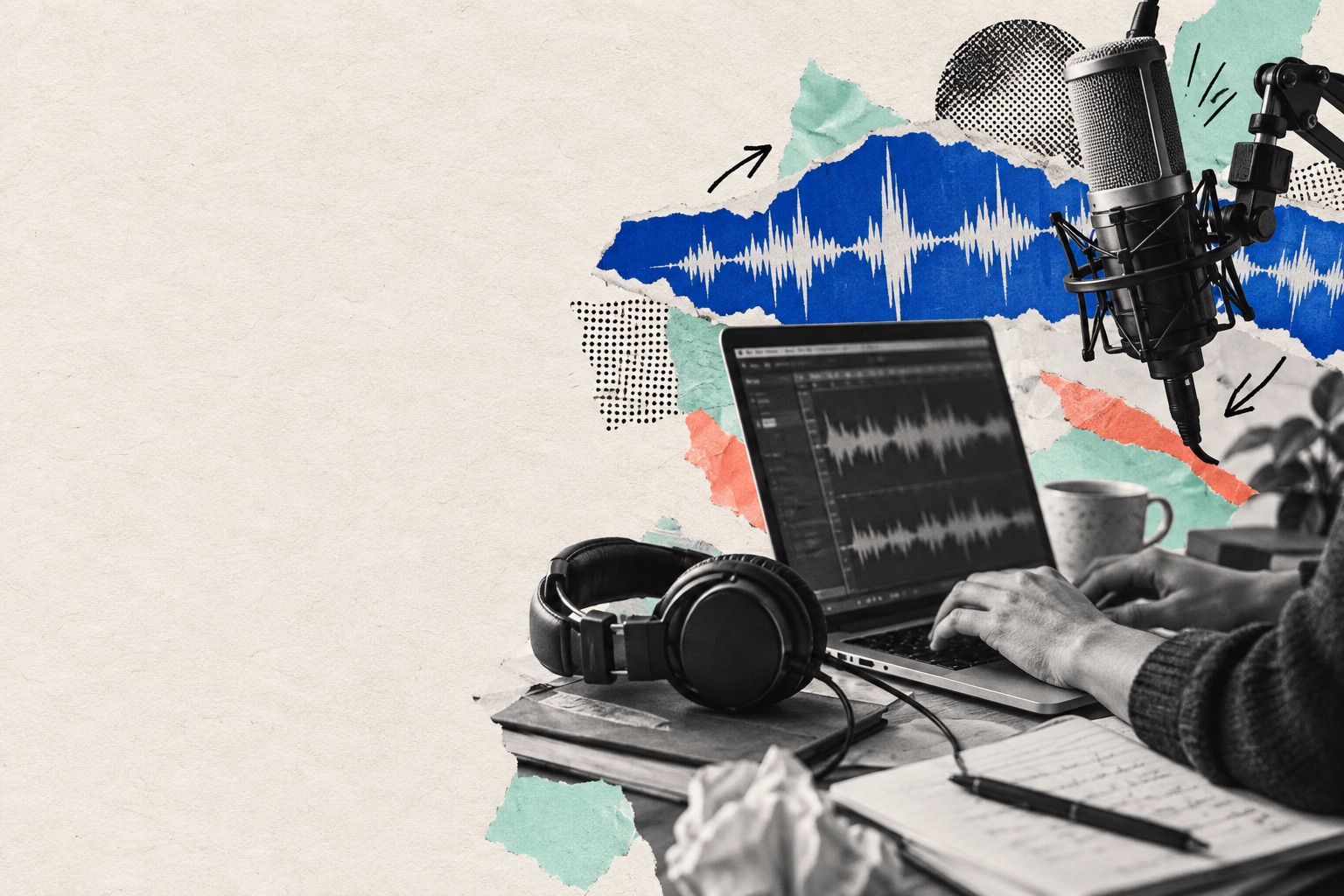
Podcast editing software: choose the right workflow
An editor that is excellent for a solo monologue may be awkward for a remote interview. Start with the recording you actually make, then decide which editing model saves time without taking away control.
Explore the guideThe short answer
Choose by material: transcript-led editing is fast for spoken-word cuts; a multitrack timeline helps with interviews and music; a simple recorder-editor can be enough for a pilot. Test the same raw minute in each product before subscribing.
A fair 20-minute editor trial
Prepare a difficult minute
Use a clip with two speakers, a pause, a proper noun, background noise and a musical transition. Save it as a reference.
Test transcript edits
Correct the proper noun, delete one filler word and inspect the audio cut. A transcript is useful only when its timing is reliable.
Test sound repair
Apply noise reduction sparingly. Listen for metallic voices, clipped consonants and breaths that disappear unnaturally.
Export and reopen
Check the file format and quality, then play it outside the editor. If you need collaboration, also test project sharing and track handoff.
Why an automatic cut can be wrong
A two-second silence after a difficult question may be part of the story. A one-click silence remover could make the answer sound immediate. Review suggested edits in context.
What to compare before choosing
Transcript-first tools
Fast for dialogue and rough cuts; check speaker labels and manual control over edit boundaries.
Multitrack editors
Better for individual voice tracks, music and detailed mixing; allow more control but can take longer to learn.
Browser studios
Convenient for recording and collaboration; confirm offline access, raw-track download and what happens to projects if you cancel.
Frequently asked questions
+Is AI editing enough for a finished episode?
It can speed up transcription, silence removal and noise cleanup, but a complete listen remains essential.
+Should I edit MP3 or WAV?
Keep an uncompressed original when possible; export the final format required by your host.
+Can I switch editors later?
Usually, if you retain raw audio and a transferable edit decision record. Project-file compatibility varies.
Your next idea can be an episode
Turn the guide into a first draft. Review the result before sharing it.
Create my podcast